02 · ROSTERTime clock
In. Out. On record.
The time clock module can be activated offline when needed. Then staff clock in and out themselves — and the supervisor can always use it.
- StaffWhen activatedClock in and out themselves.
- SupervisorAlwaysRecords time for anyone who comes later or leaves earlier.
Staff
Clock in and out yourself.
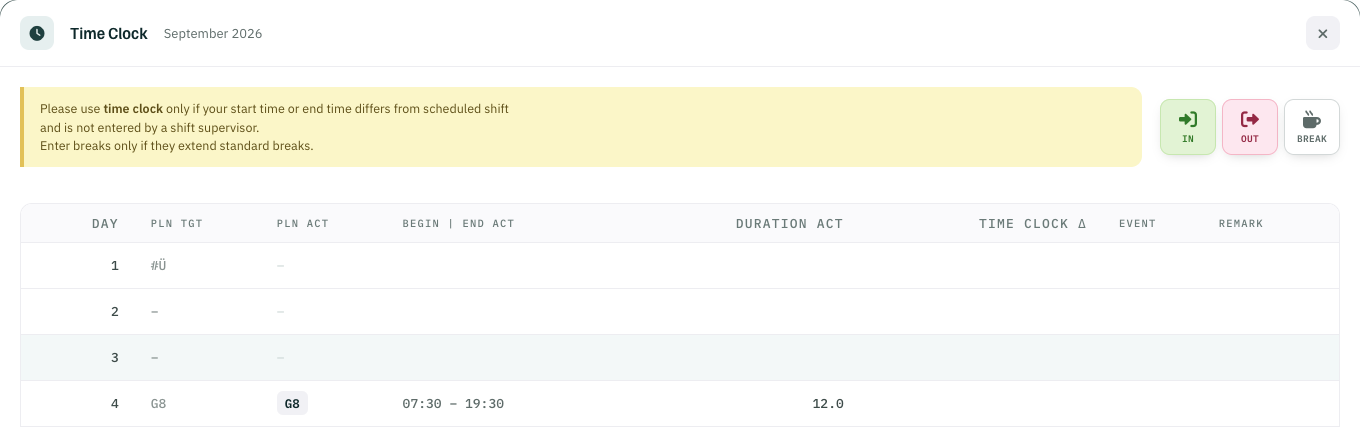
Once the module is activated offline, staff clock in and out themselves.
- 1IN clock in
- 2OUT clock out
- 3BREAK only if it extends the standard break
Supervisor
Later in, earlier out — on record.
The supervisor can always use the module and keeps the time record for staff who come later or leave earlier.
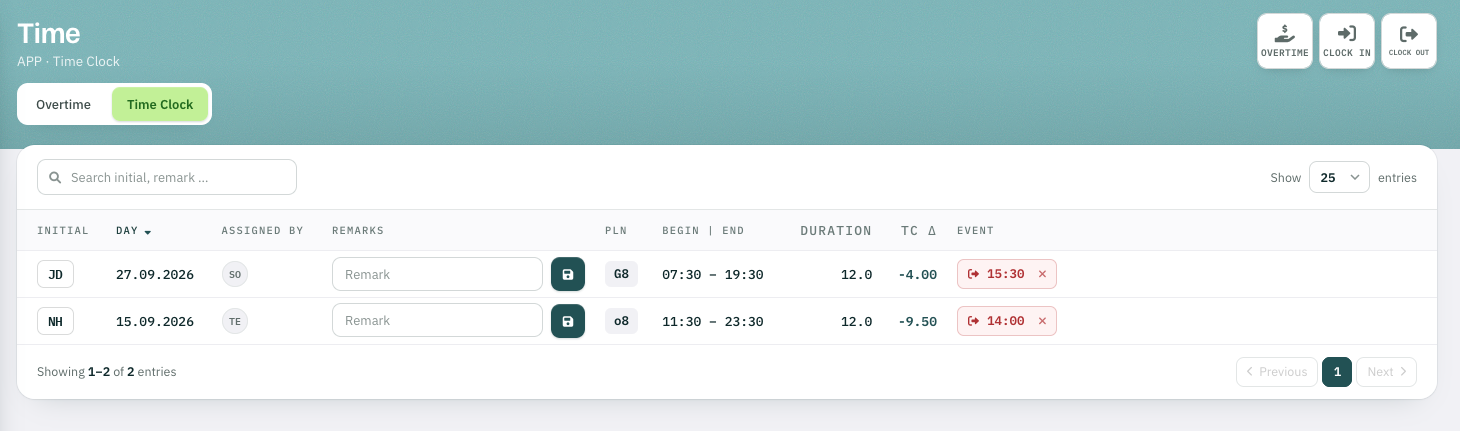
G8 · Planned 07:30–19:30
Time clock Δ −4.00 h
Clocked out 15:30
Time clock