03 · PLANPosition plan
Every position. Every 15, 30 or 60 minutes.
This is about the daily OPS. Create sectors or positions and place them by drag and drop wherever they are needed.
Create
Sectors and positions.
Create sectors or positions — each with its definition and the licences it requires.
- Position
- SUP
- Standby
- Briefing
- Break
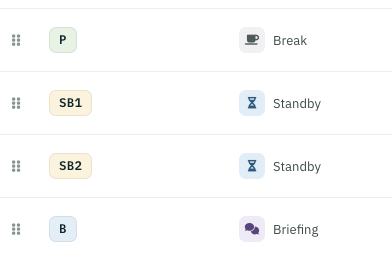
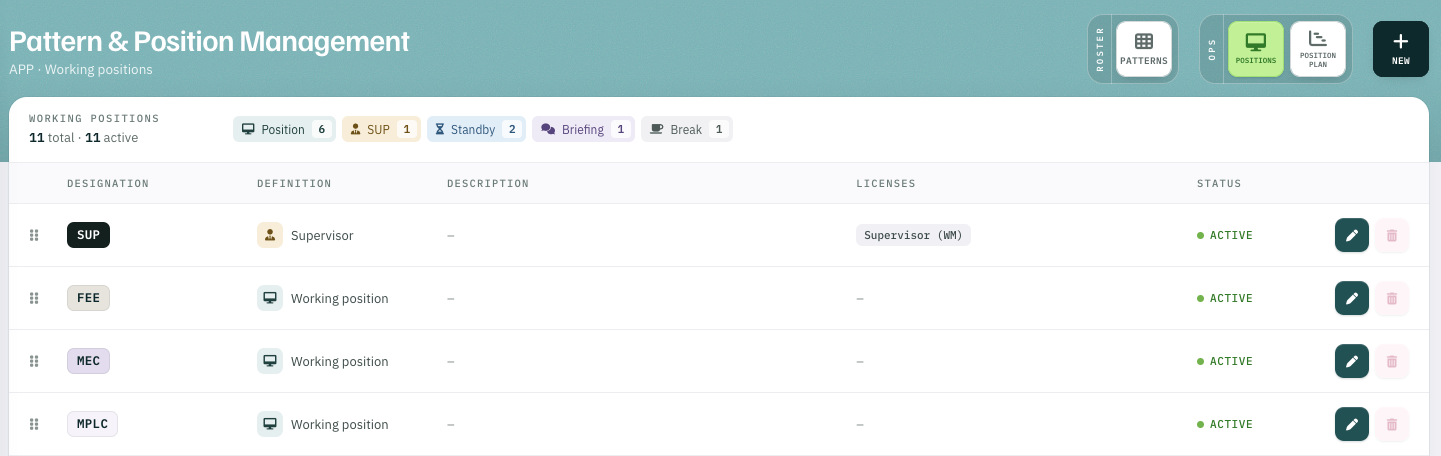
Place
Drag and drop, where needed.
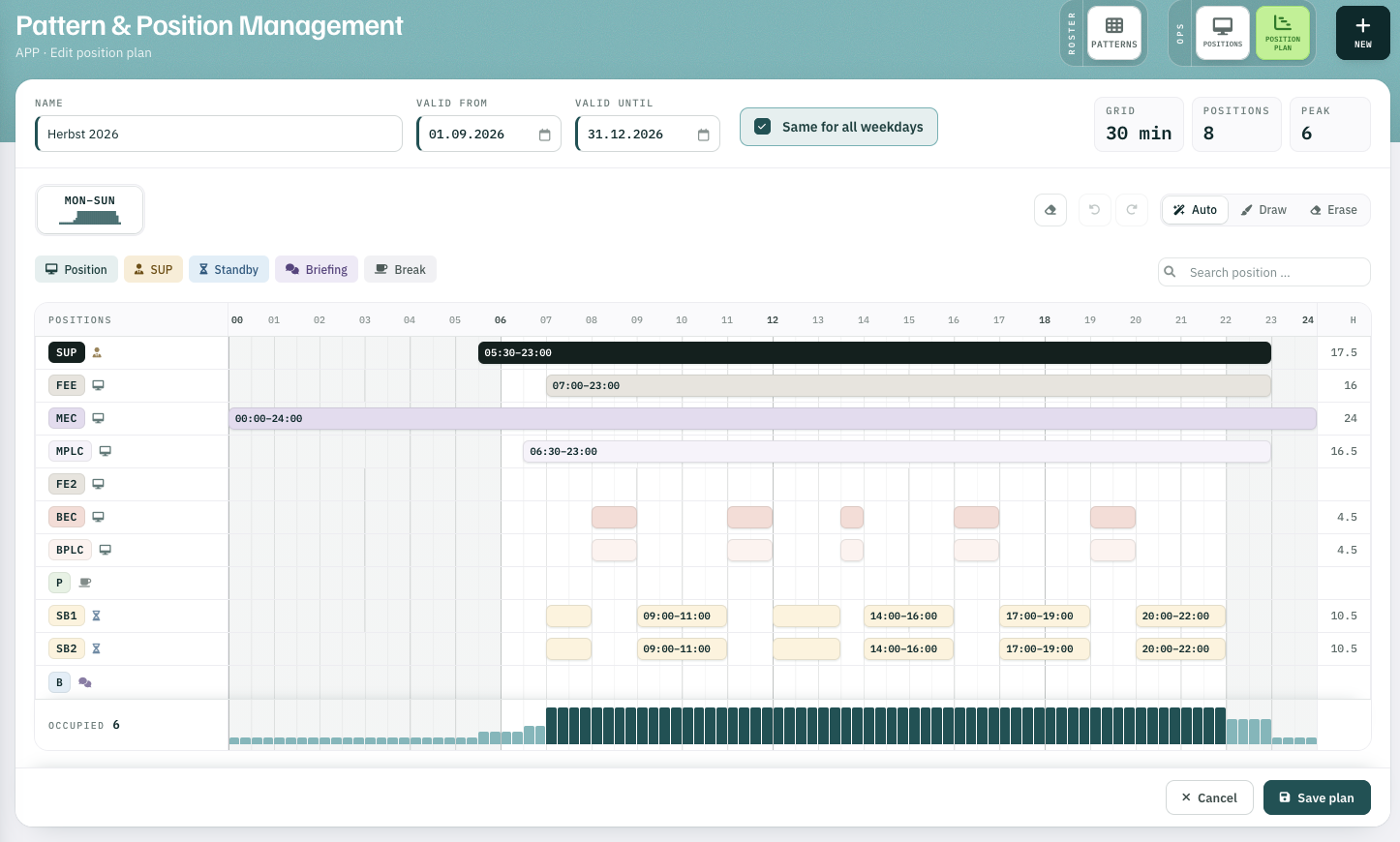
Place the positions by drag and drop wherever they are needed — day by day, in a 15-, 30- or 60-minute grid of your choice.
- 1Auto · Draw · Erase place, draw and remove
- 2SUP 05:30–23:00 each bar is a staffed position
- 3Occupied positions staffed per time slot
What follows
One plan, two uses.
-
01
Proposalfor the daily OPS plan — if you use the module. OPS schedule
-
02
Basis for calculationwhen Rostify calculates the optimal daily staff demand for the monthly roster. Optimal pattern calculation
Position plan