03 · PLANShift patterns
What must be staffed. Day by day.
Shift patterns show the daily staff demand that must be covered.
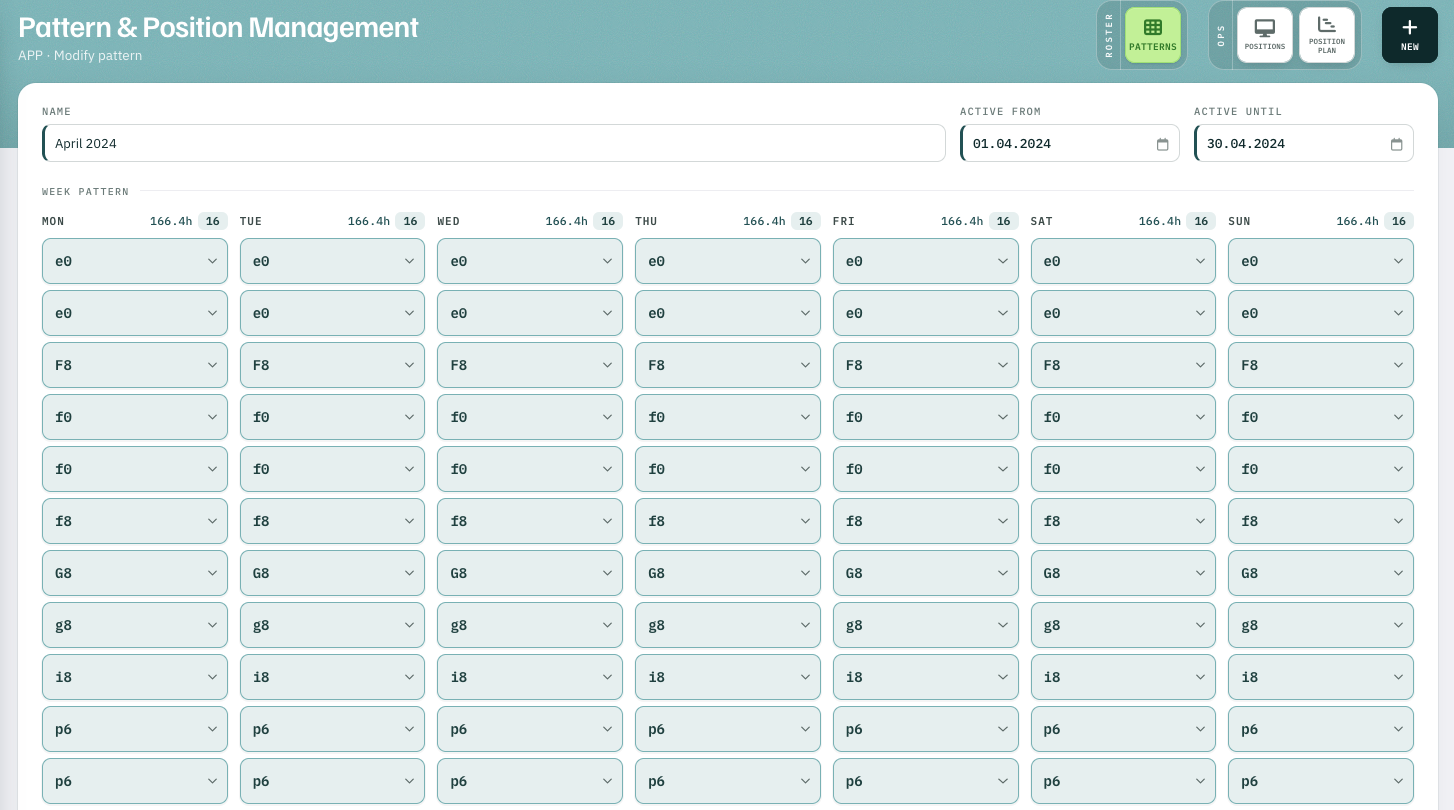
The week pattern
Every shift that must be covered.
One column per weekday, one field per shift that has to be staffed.
- 1166.4h · 16 hours and shifts per day
- 2e0 · F8 · f0 … each field a shift from the list
Month by month
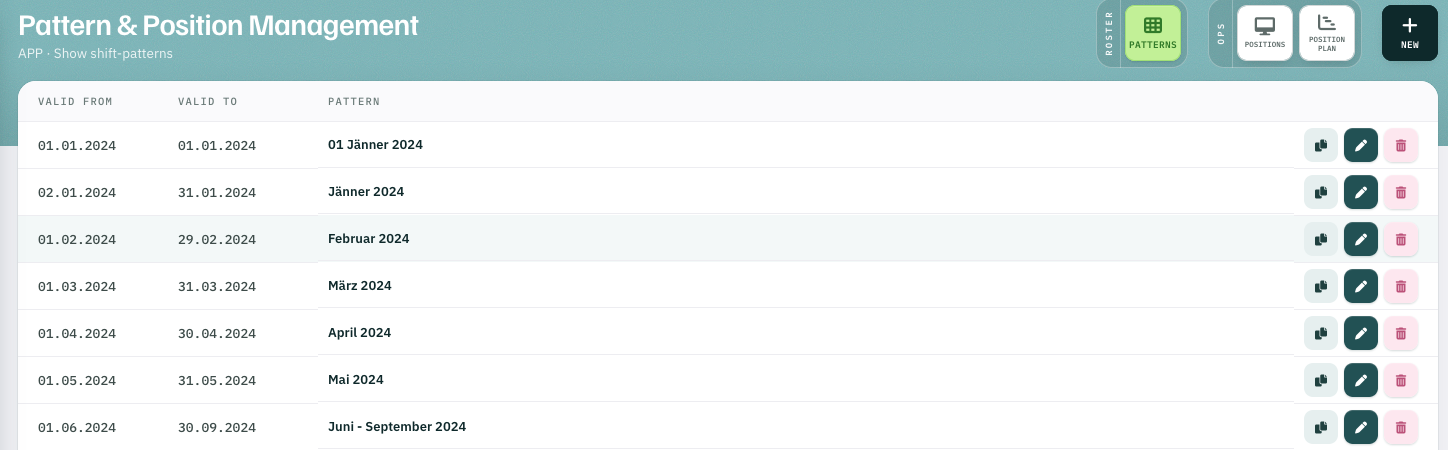
Definable for every single day.
Monthly patterns with their period of validity — down to a single day.
- 101.01.2024 a pattern valid for one day only
The basis
By hand, automatic — and for the resource plan.
The patterns serve as the basis for rostering — whether by hand or automatic. The medium-term resource planning also calculates with the monthly patterns, which can be defined for each day individually.
-
01
Rostering by handThe schema shows missing and surplus shifts. Monthly roster
-
02
Automatic rosteringAutoplan plans on this basis. Autoplan
-
03
Resource planningCapability Prediction calculates with the monthly patterns. Leave planning
Shift patterns